Enabling Remote Lock
Moto G Play - 2026
Enabling Remote Lock
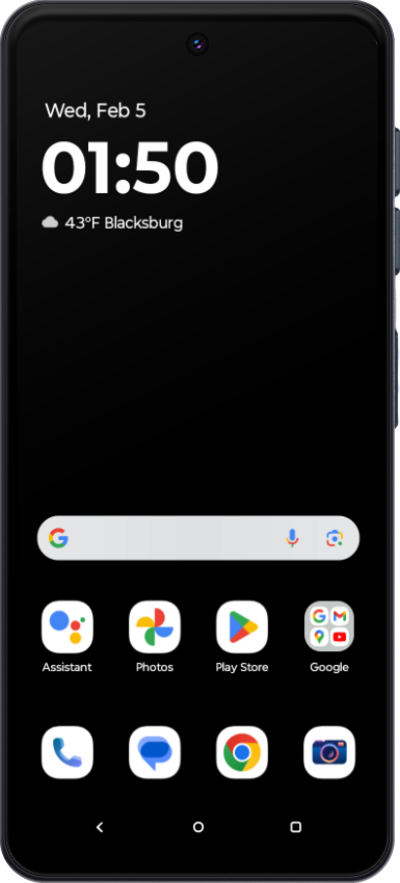
Learn how to enable the remote lock feature. This will allow you to lock your device remotely in the event it is stolen.
1.
From the Settings app, scroll to and tap Security & privacy.
2.
Tap Device unlock.
3.
Tap Theft protection.
4.
Scroll to and tap Remote Lock.
5.
Tap or slide the Use Remote Lock switch to ON.
6.
You've completed the steps!
