Setting up a new phone manually
Setting up a new phone manually
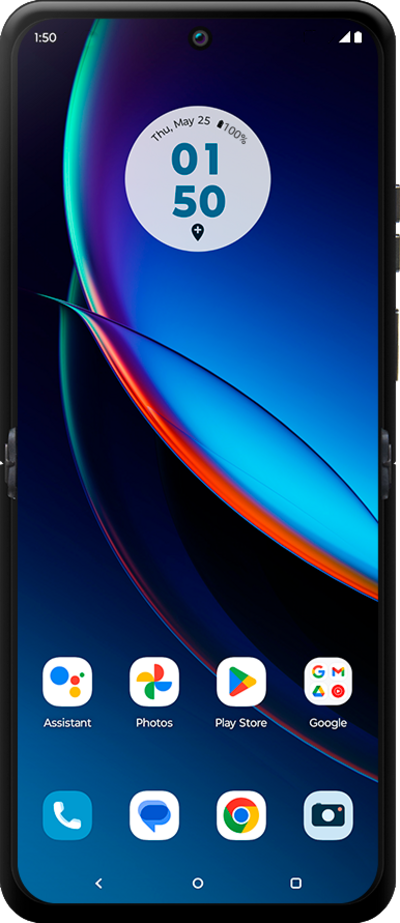
Tap Start.
Here you can change your locale, accessibility settings, and make an emergency call.
Tap Next.
Tap Skip.
Select your Wi-Fi network.
Enter your network password, and tap Connect.
Tap Accept and continue.
Enter your Google account's email address and tap Next.
Enter your password and tap Next.
Tap Next.
Tap I agree.
Enter a PIN number, and tap Next.
On this screen you can enter a PIN that you can use to lock and unlock your device.
Re-enter your PIN number, and tap Confirm.
Tap Done.
Tap Skip.
On this screen you can set up fingerprint recognition for your device.
To set up your phone as a new device, tap Do it later.
You can also transfer apps and data from your previous phone.
Tap Do it later again.
Tap Accept.
Tap Turn on backup.
Tap Continue.
Tap I agree.
Tap Continue.
Tap Turn on.
Tap Skip.
Tap Next.
Tap Next again.
Tap Got it.
Tap Go to my home screen.
Tap the Close icon.
You've completed the steps!
