Transferring content from your old device via wireless connection
Razr+ 2024
Transferring content from your old device via wireless connection
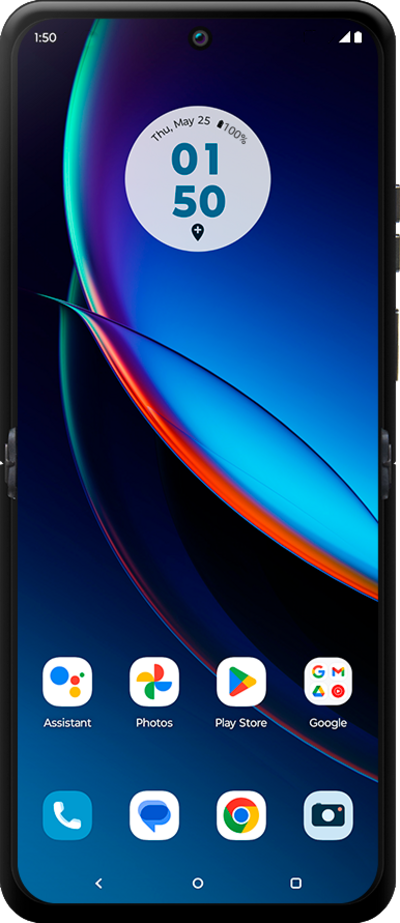
Using a wireless connection, you can move your pictures, videos, and other media files from your old device to your new device.
1.
Tap Start.
2.
Tap Next.
3.
Tap Android device.
4.
On your other device, tap Set up to open the scanner, then scan the QR code to begin.
5.
Tap Accept & continue, then continue through the following initial device setup steps as prompted.
6.
To choose what apps and data to copy from your old device, tap Next.
7.
Tap Copy, then continue through the remaining initial device setup steps to finish setting up your device.
8.
You've completed the steps!
