Setting up Voicemail
Setting up Voicemail
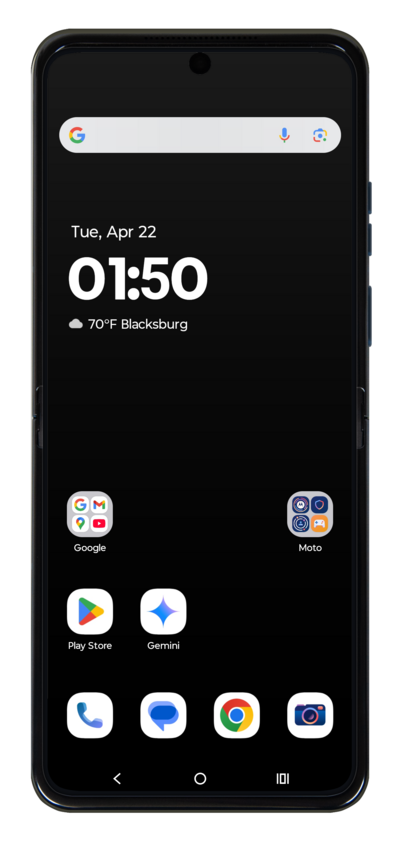
While in the Phone app, a method to set up voicemail is by calling your voicemail inbox. To try this, tap the Keypad icon.
This tutorial steps through how to activate visual voicemail. This option may not be available, depending on your cellular plan.
Press and hold the 1 key on the dial pad and follow along with the menu prompts to complete setting up your voicemail.
You may also be able to dial your own phone number to call your voicemail.
Another method to setup your voicemail in the Phone app is in settings. While in the app, tap the Menu icon.
Tap Settings.
Tap Voicemail.
Tap or slide the Visual voicemail toggle to ON.
Tap Advanced Settings.
Tap Setup.
Tap Voicemail number to verify it's correct, or enter it if the field is blank.
This tutorial steps through how to record a Voicemail greeting.
You've completed the steps!
