Motorola Razr+ 2026 Device Help & How-To Guides
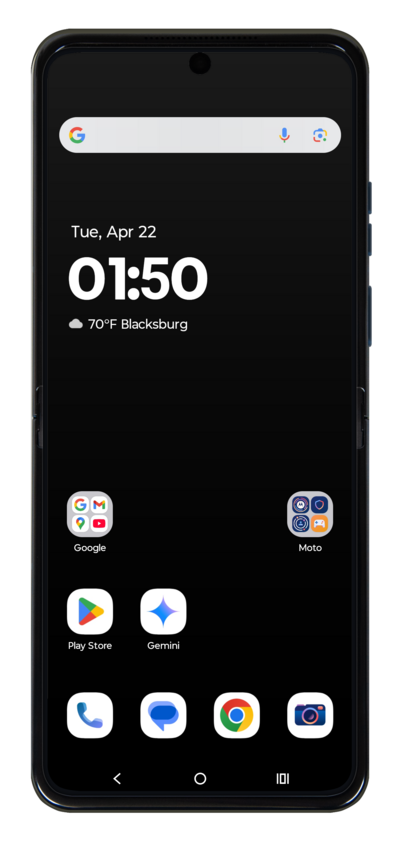
What would you like to learn about your device?
Trending Razr+ 2026 topics
Setting up Voicemail
Learn how to set up Voicemail so that you can store messages from calls you missed. If your Voicemail Icon does not appear try restarting your phone.
ExploreClearing the cache and data for an individual app
Clearing your app’s cache removes temporary data that is stored on the app and is often used as a troubleshooting step. On the other hand, clearing your app’s storage or data, will permanently reset your app and will cause the app to act like it did when it was initially downloaded.
ExploreSetting up an eSIM using a QR Code or Activation Code
This tutorial guides you through the process of activating and setting up an eSIM on your smartphone using a QR code after the initial device setup has been completed. Whether you skipped eSIM activation during the initial setup or are switching carriers, this step-by-step guide will cover scanning your carrier-provided QR code and properly activating your eSIM.
ExploreFinding your device's IMEI number
Discover where to find your device's IMEI. In some instances, your IMEI number is also your Device ID number.
Explore