Setting up your second cellular plan with eSIM
Galaxy S22
Setting up your second cellular plan with eSIM
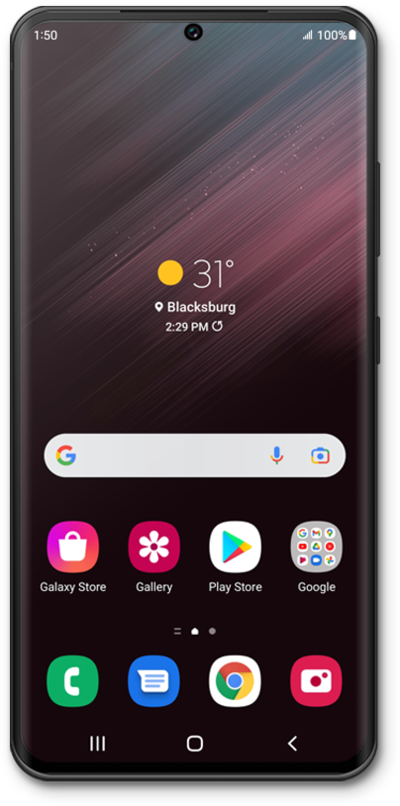
Adding a secondary eSIM alongside a physical SIM or eSIM allows you to quickly switch between two cellular plans and/or carriers for voice or data.
1.
From within the Settings app, tap Connections.
2.
Tap SIM manager.
3.
Tap Add eSIM.
4.
Tap Scan QR code.
5.
Place the QR code provided by your carrier within the camera frame.
Your Device's camera automatically detects QR codes. If your carrier didn't provide a code, you may need to use their app to purchase a cellular plan.
6.
Tap Next.
7.
Tap Next again.
8.
Tap Next again.
9.
Tap Done.
Here you can select the SIM you would like to use for your mobile data.
10.
You've completed the steps!
