Assigning your preferred SIM to use with a contact
Galaxy S22
Assigning your preferred SIM to use with a contact
Set a contact's preferred line when you have two SIM cards. This will make the preferred line the default whenever you interact with that contact.
1.
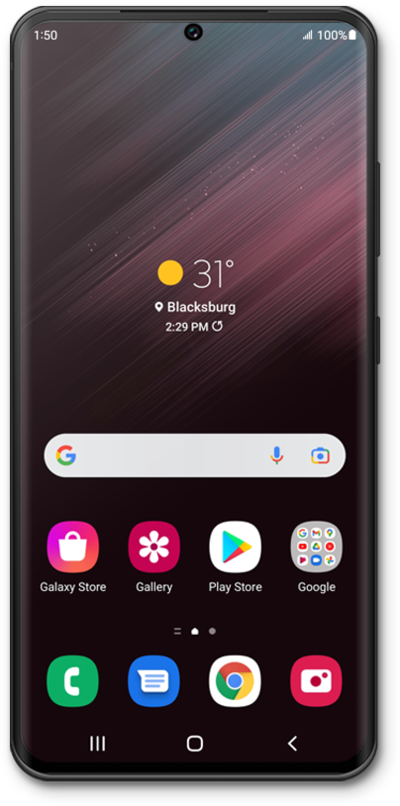
From the Home screen, swipe up from the bottom of the screen to view your apps.
2.
Tap Contacts.
3.
Select the contact you'd like to call.
4.
Tap the Call button.
5.
Select the SIM you'd like to use.
6.
You've completed the steps!
