Automatically switching mobile data between two SIMs
Galaxy Z Fold6
Automatically switching mobile data between two SIMs
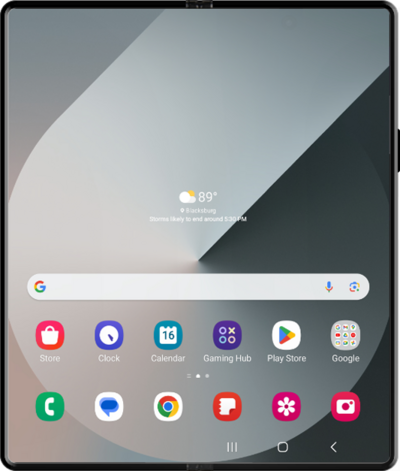
This feature will allow you to automatically switch between mobile networks in order to maintain the best coverage and connectivity possible.
1.
From the Connections tab in Settings, tap SIM Manager.
2.
Scroll to and tap or slide the Data switching switch to ON.
3.
You've completed the steps!
