Accessing Air Command
Galaxy Tab S10 FE 5G
Accessing Air Command
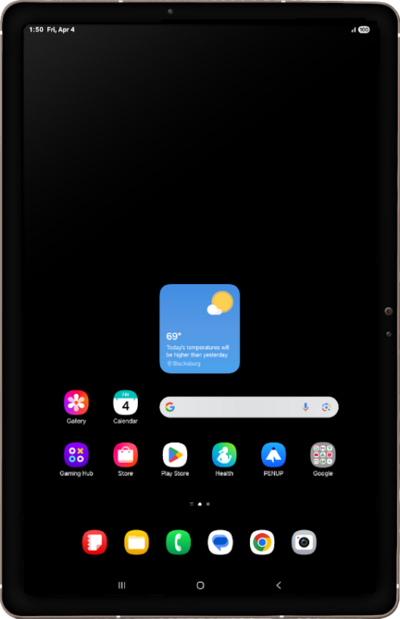
The stylus menu has shortcuts to several features such as Reminders and Screen Capture.
1.
Bring the tip of your S Pen close to the screen to display the Air Command icon.
2.
Tap the Air Command icon with your S Pen.
You can tap the Air Command icon to open the Air Command screen anywhere on your device.
3.
Tap on an empty area of the screen to close the Air Command screen.
4.
You've completed the steps!
