Using Smart Select
Galaxy Tab S10 FE 5G
Using Smart Select
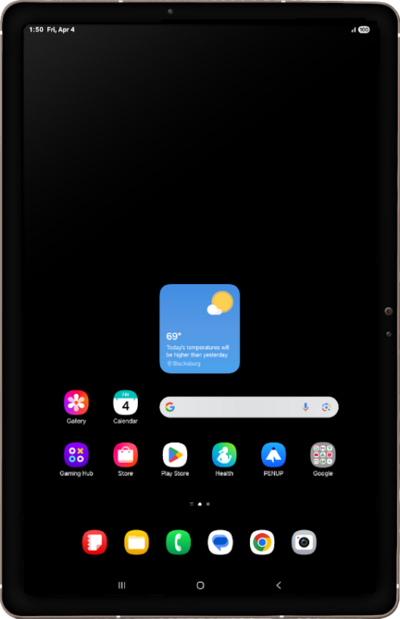
Explore how your device can take screenshots of whatever is currently on your screen using your stylus. Once a screenshot has been taken, you can draw on it or place text on it.
1.
From a screen you'd like to capture, tap the Air Command icon with your S Pen.
2.
Tap AI select with your S Pen.
3.
Touch and drag your S Pen around the content you'd like to capture.
4.
To save your selection to the Gallery, tap the Save icon.
You can access this note directly from the Gallery app.
5.
You've completed the steps!
