Hiding apps using secure folder
Razr+ 2024
Hiding apps using secure folder
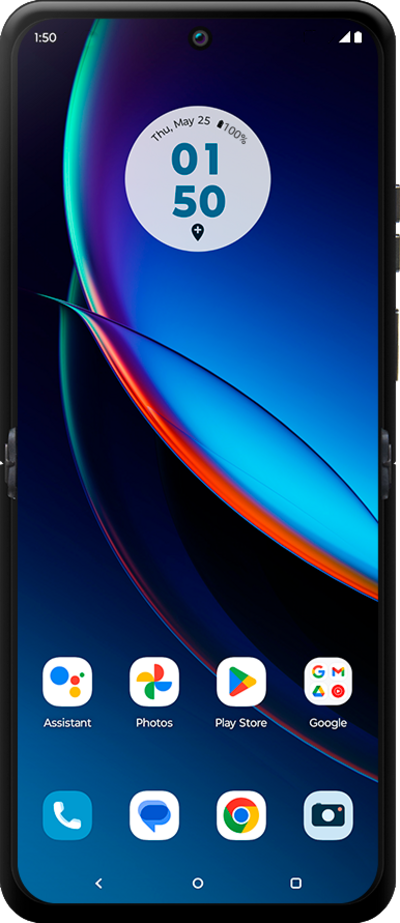
Learn how to hide certain apps using your private space on your phone.
1.
From the Settings app, scroll to and tap Security & privacy.
2.
Scroll to and tap More security & privacy.
3.
Scroll to and tap Secure folder.
4.
Tap Continue.
5.
Tap the Next arrow.
6.
Tap the Next arrow again.
7.
Tap Log in.
8.
Select the google account you'd like to use to log in and then tap OK.
9.
You've completed the steps!
