Accessing quick settings from the Quick View Display
Razr+ 2026
Accessing quick settings from the Quick View Display
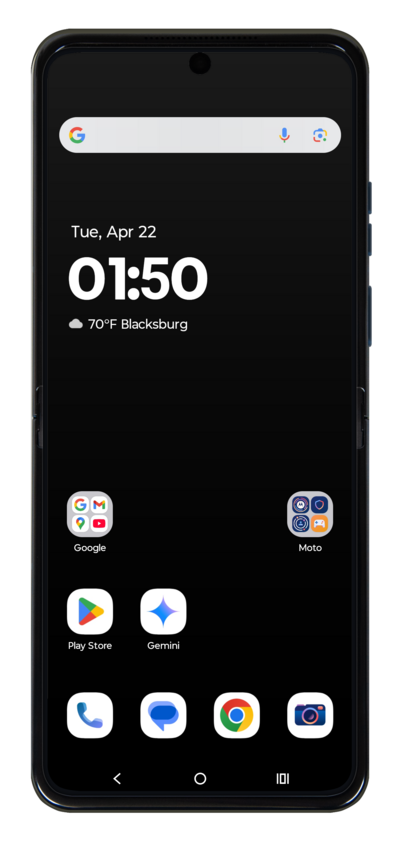
Adjust settings on your phone faster by using quick settings directly from the Quick View Display while the phone is still folded closed.
1.
With your device closed, swipe up on the Quick View Display.
2.
Enter your PIN.
3.
Tap the Arrow key.
4.
From the Quick View Display main screen, drag down the Quick settings panel.
5.
You've completed the steps!
