Managing your blocked calls

iPhone 17 Pro

Managing your blocked calls
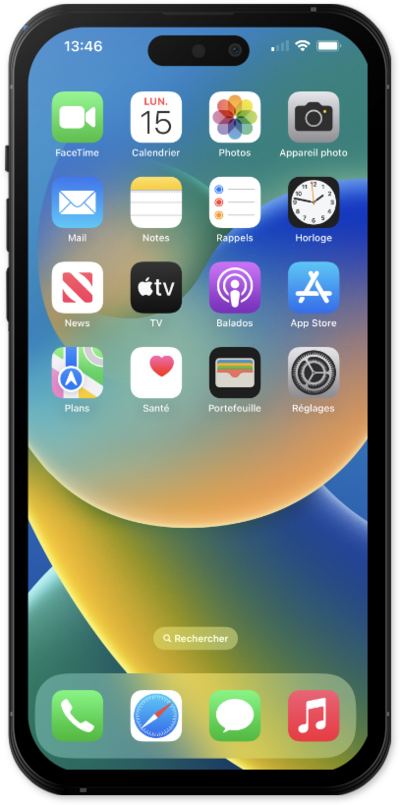
Learn how to block or unblock a contact's phone number as well as spam calls. This will prevent that phone number from contacting your device.
1.

From the Controls tab, tap Security.

Next
From the Settings app, scroll to and tap Apps.

Was this guide helpful?


Related topics


Plans & Services

Adding a new device
Adding an international calling feature
Changing your mobile device number
Changing your plan
Changing your voicemail password
Removing a feature
Requesting a transfer PIN for your wireless or internet accounts
Suspending and reconnecting a device's wireless service
Turning Data on or off for a device for your wireless or internet accounts
Upgrading your device
Viewing your account's call logs, text activity, and data usage for your wireless or internet accounts
Viewing your device's data usage
Viewing your installment plan details
Viewing your plan details