Adding and removing contacts from favorites
Classic
Adding and removing contacts from favorites
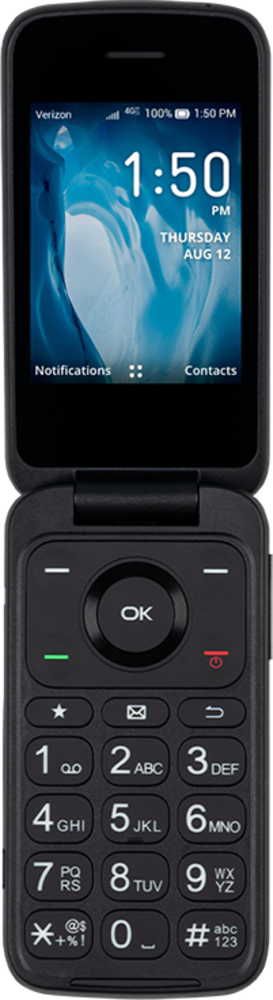
Update your favorites list to keep your favorite contacts easily accessible. Removing contacts from your favorites list does not remove them from your device. If the contact is stored directly on your SIM card you may not be able to add it to your favorites.
1.
From the Contacts app main screen, navigate to a contact.
2.
Press the OK button.
3.
Press the Right button.
4.
Navigate to Set as favourite.
5.
Press the OK button.
6.
Press the Right button.
7.
Navigate to Remove from favourite and press the OK button.
Removing a contact from your Favorites won't delete the contact from your device.
8.
You've completed the steps!
