Sharing a contact's information
Classic
Sharing a contact's information
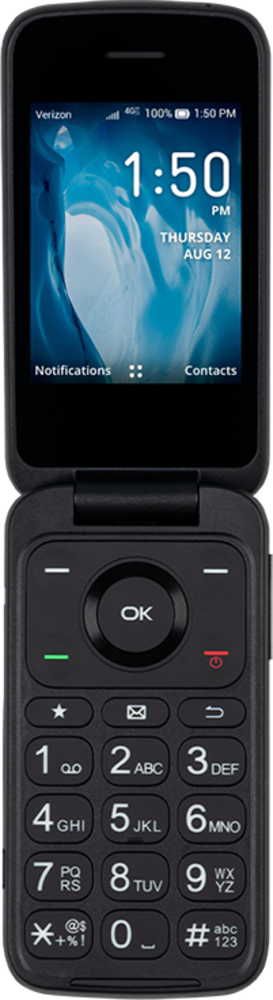
Easily share contact information with others as well as select apps using your device's share contact functions. You can also share the exported file in various ways including email or storing it on an SD card on certain devices.
1.
From the Contacts app main screen, highlight the contact whose information you'd like to share.
2.
Press the Right button.
3.
Navigate to Share.
4.
Press the OK button.
After this step, select your preferred sharing method and follow the onscreen prompts.
5.
You've completed the steps!
