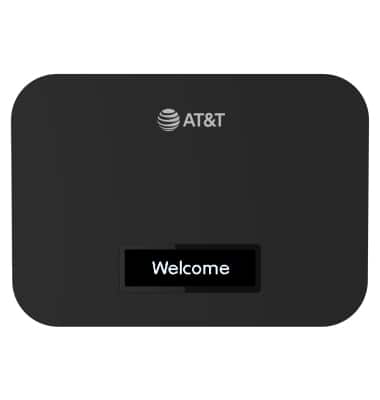
Device Setup
A10 (RT410)
Device Setup
Set up your device for the first time or after having done a factory reset.
Before setting up your device, make sure you have completed the online activation process. Please visit Activate phone, SIM card, or other device for more information.
1. To setup your router, press and hold the Power button to turn the device on.
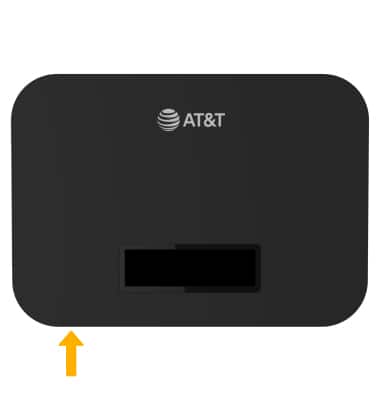
2. The device will take a moment to power on and connect to the AT&T Network.