Deleting and restoring voicemails
iPhone SE (2nd generation)
Deleting and restoring voicemails
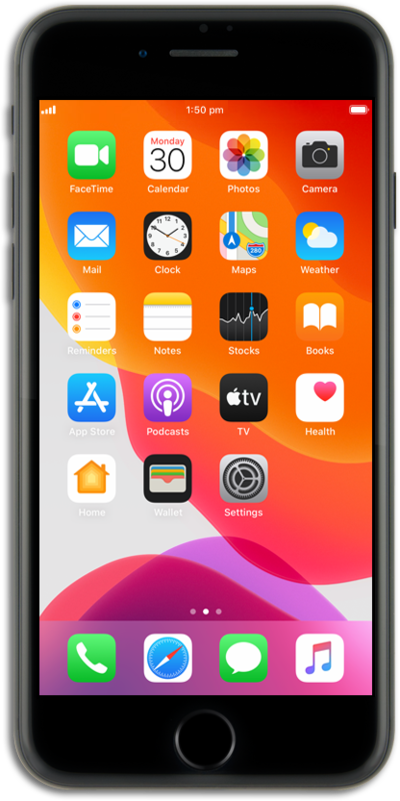
Learn how to easily clean out your voicemail inbox by deleting a voicemail message.
1.
From the Phone app, tap Calls.
2.
Tap the Menu icon.
3.
Tap Voicemail.
4.
Tap Edit.
5.
Tap Select.
6.
Select the message you'd like to delete.
You can select multiple messages at once.
7.
Tap Delete.
All deleted messages are sent to your Deleted Messages folder.
8.
Tap Deleted Voicemails.
Depending on the amount of voicemails you have, you may need to scroll down to see this option.
9.
Select the desired voicemail you'd like to restore.
10.
Tap the Undelete icon (trash can icon) to restore the voicemail.
11.
To clear all deleted voicemails tap Clear All.
12.
Tap Clear All again.
13.
You've completed the steps!
