Creating folders
iPad Pro 12.9-inch
Creating folders
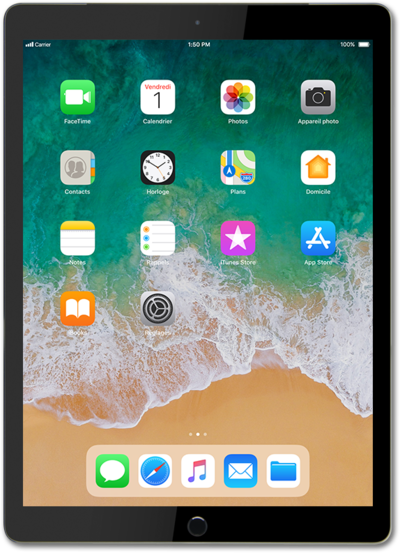
Creating folders on your Home Screen can help keep you organized. You can create folders for categories of apps such as Banking, Travel, Utilities, Social Media and more to customize your device.
1.
From the Home screen, touch and hold an app.
2.
Select Edit Home Screen.
3.
Drag the app onto another app.
4.
Tap the new folder.
5.
Tap the X icon.
6.
Enter a folder name.
7.
Tap the enter key.
Depending on your device, the button may say done.
8.
Tap outside of the folder.
9.
Tap Done in the top right corner to save your changes.
To delete a folder, remove all the apps from within it.
10.
You've completed the steps!
