Adding a stock
iPad Pro 12.9-inch
Adding a stock
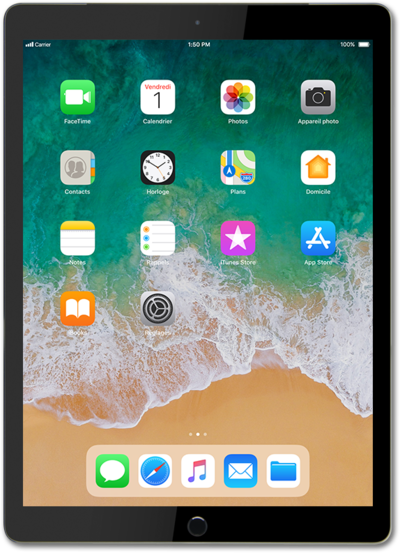
Keep track of the market trends and your portfolio by tracking stocks through the stock app.
1.
From within the Stocks app, tap the Search field.
2.
Enter the name of the stock you'd like to add.
3.
Select the stock you'd like to add.
4.
Tap the Plus icon to add the stock.
5.
You've completed the steps!
