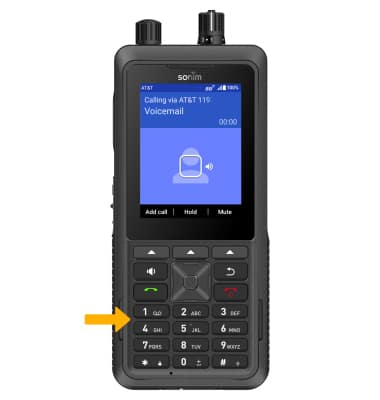
Set Up Voicemail
XP5plus 5G (X530)
Set Up Voicemail
Set up voicemail.
Visit Access voicemail messages for tips to manage your voicemail and Troubleshoot Voicemail for solutions to common voicemail problems.
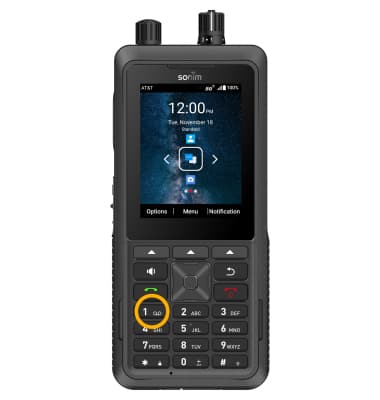
1. Press and hold the 1 key.
2. Use the keypad to enter your current voicemail password and follow the prompts. Your existing voicemail greeting and messages will transfer to your new phone.
Note: If you have forgotten your existing voicemail password, you will not be able to access voicemail until you reset your voicemail password.