Inserting and removing a microSD card
2720 V Flip
Inserting and removing a microSD card
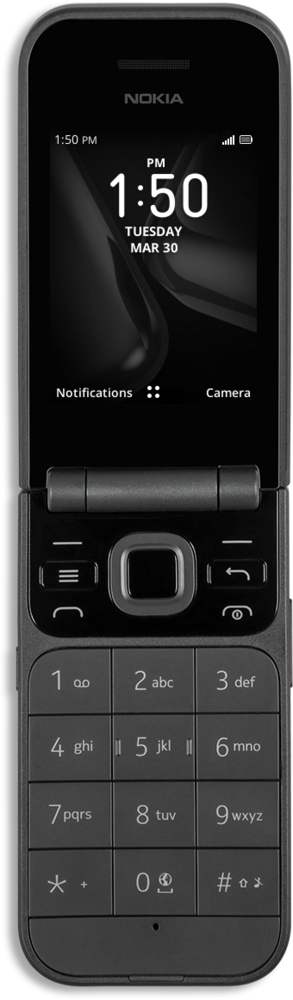
A microSD card can increase your available storage, providing additional room to store photos, videos, music, documents, and more. Learn how to insert a microSD card into your device.
1.
Remove the back cover from the device.
2.
Remove the battery.
3.
Insert or remove the SD card from its slot.
Inserting a microSD card can increase the amount of available memory for apps, photos and music. Your phone doesn't come with a microSD card.
4.
Replace the battery.
5.
Replace the back cover.
6.
You've completed the steps!
