Preventing Google Play from downloading apps over a cellular connection
Galaxy Tab A9+ 5G
Preventing Google Play from downloading apps over a cellular connection
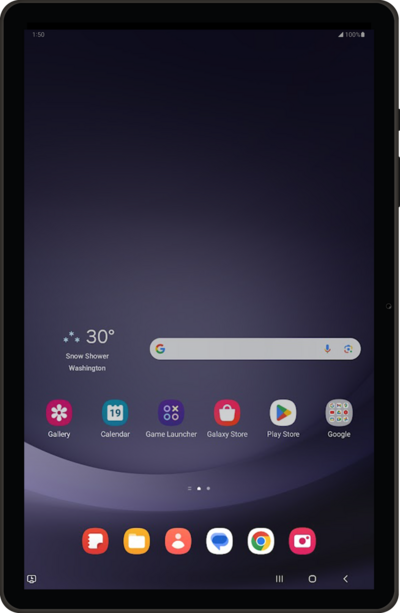
Setting your network preferences within the Play Store app.
1.
From the Play Store app main screen, tap the Account icon.
2.
Scroll to and tap Settings.
3.
Tap Network preferences.
4.
Tap App download preference.
5.
Select your app download preference.
6.
Tap OK.
7.
You've completed the steps!
