Updating an app in Google Play
Galaxy Tab A9+ 5G
Updating an app in Google Play
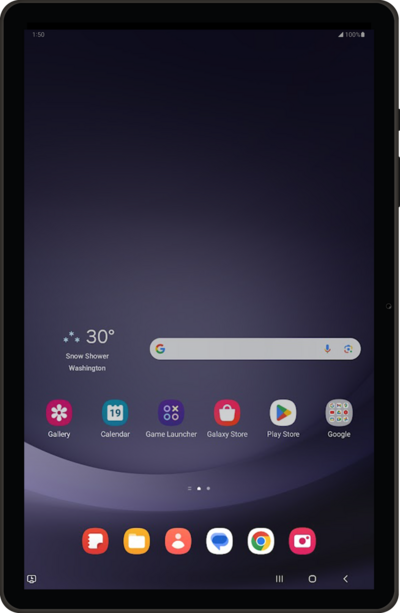
Learn to update an app or widget in the Play Store. Updating regularly allows access to possible new features as well as patch updates.
1.
From the Play Store app main screen, tap the Account Icon.
2.
Tap Manage apps & device.
3.
Tap Manage.
4.
Tap Updates available.
5.
Select the app you want to update.
6.
Tap Update.
Make sure your Wi-Fi or Internet connection is stable before attempting to update an app.
7.
You've completed the steps!
