Creating a group and adding contacts to It
2720 V Flip
Creating a group and adding contacts to It
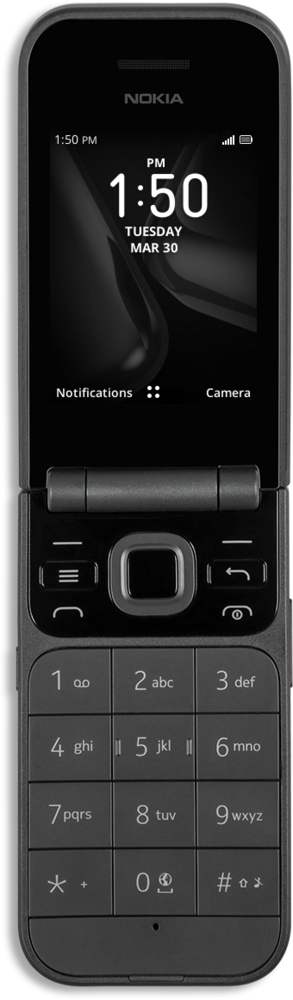
Create a group to combine contacts that you typically contact together. You will be able to select the group as you would a contact for text messaging. Note that a group might have a limit on how many contacts can be added depending on the device.
1.
From the Contacts app main screen, navigate away from the Search bar.
2.
Press the Right button.
3.
Navigate to Settings.
4.
Press the OK button.
5.
Navigate to Create Group.
6.
Press the OK button.
7.
Enter a name for your group.
8.
Press the Right button.
9.
Press the Back button.
10.
Navigate to Group.
11.
Press the OK button.
12.
Press the OK button again.
13.
Press the Left button.
14.
Select the contacts you'd like to add.
15.
Press the Right button.
To add more contacts to the group, repeat steps 1-4 and then select your preferred group.
16.
You've completed the steps!
