Sharing photos
2720 V Flip
Sharing photos
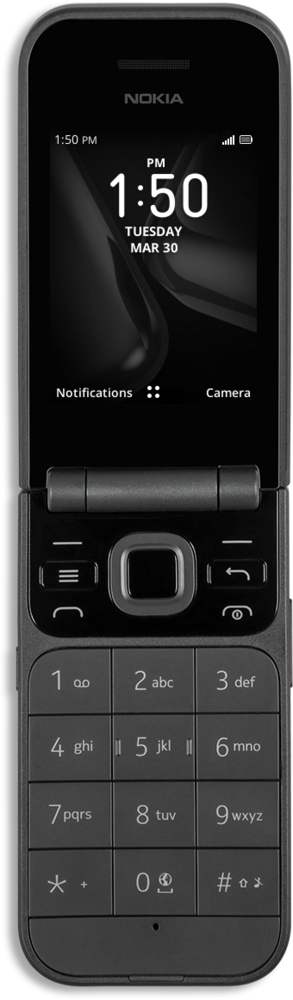
Share photos and videos with others via Bluetooth, text message, email, Facebook and more.
1.
From the Home screen, press the OK button.
2.
Navigate to Gallery.
3.
Press the OK button.
4.
Highlight a photo.
5.
Press the Right button.
6.
Navigate to Share
7.
Press the OK button.
8.
Press the OK button again.
For this tutorial, we're sharing photos with Bluetooth. You can select any available share option, but steps may vary slightly depending on what you choose.
9.
Select a device to pair.
Make sure the device you're sending photos to has Bluetooth on and is set to be discoverable or visible.
,Once another device is selected, your picture will automatically send.
10.
You've completed the steps!
