Adjusting your font size
2720 V Flip
Adjusting your font size
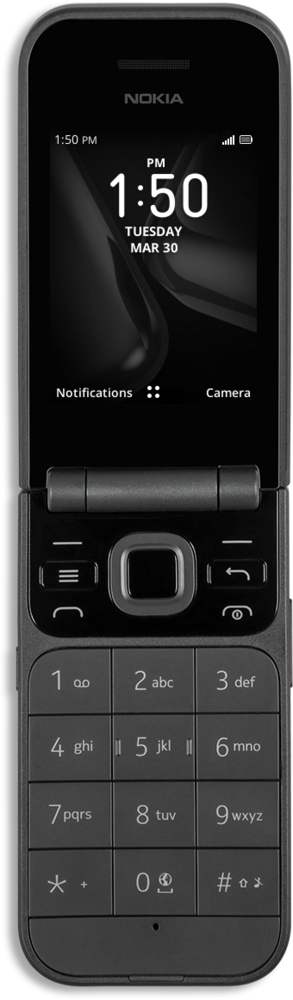
Learn how to change your font size to make it easier to read. You can increase your font size or change the font used.
1.
From the Home screen, press the OK button.
2.
Navigate to Settings.
3.
Press the OK button.
4.
Navigate to Device.
5.
Navigate to Accessibility,
6.
Press the OK button.
7.
Navigate to Large text.
8.
Press the OK button.
9.
Navigate to On.
10.
Press the OK button.
11.
You've completed the steps!
