Adding a personal email account
Adding a personal email account
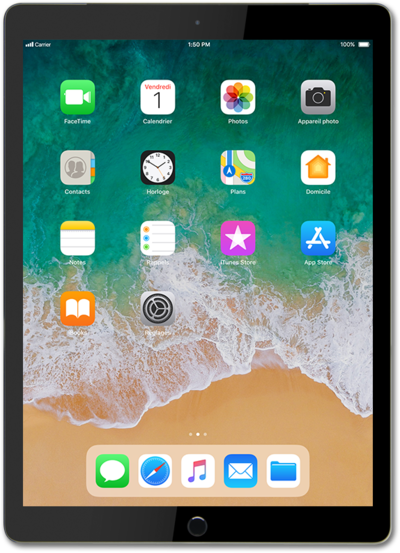
From the Settings app, scroll to and tap Mail.
Tap Accounts.
Tap Add Account.
Select your account type.
Tap Add Mail Account.
Enter your name.
Tap the return key.
Enter your email address.
In this tutorial, we're entering a Mail.com account. However, you should enter whichever email provider you use. The steps are essentially the same, but you may encounter minor variations based on the chosen email provider.
Tap the return key.
Enter your password.
Tap Next.
Tap POP.
Tap the Host Name field for INCOMING MAIL SERVER.
Enter your incoming mail server host name.
You may need to contact your IT professional to obtain this information.
Tap the return key.
Enter your username.
Tap the return key.
Tap the return key again.
Enter your outgoing mail server host name.
Tap Save.
You've completed the steps!
