Attaching a new picture to an email
iPad Pro (9.7-inch)
Attaching a new picture to an email
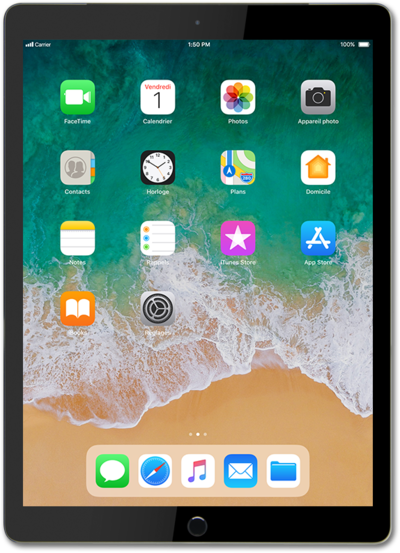
Learn how you can attach pictures, videos, etc. to emails when sending an email with your device. By attaching files to your email, you can share photos by email to your contacts.
1.
From a composed email, tap the Camera icon.
2.
Tap the Shutter icon to take a picture.
3.
Tap Use Photo.
Tap Retake to retake the picture. The pictures taken will not be saved to your camera roll.
4.
Tap the Send icon.
5.
You've completed the steps!
