Activating Wi-Fi calling and updating your emergency address
Galaxy S26 FE
Activating Wi-Fi calling and updating your emergency address
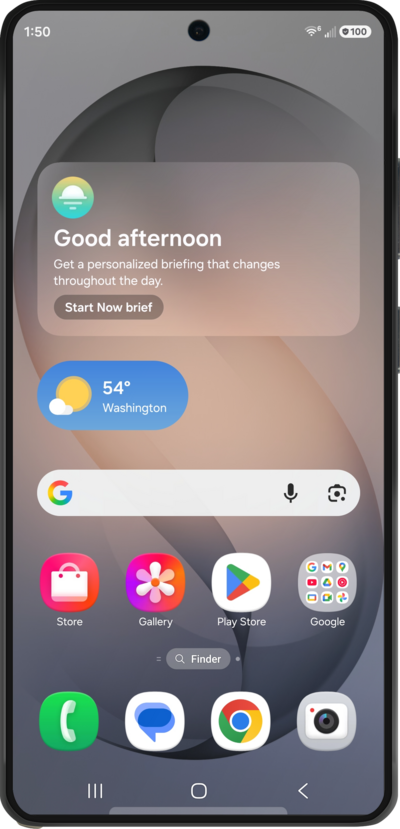
You can use Wi-Fi calling to make and receive calls in areas with limited or no cellular connectivity. If this option is not present on your device, or cannot be enabled, your carrier's network or your specific cellular plan might not support this feature.
1.
From the Phone app, tap the Menu icon.
2.
Tap Settings.
3.
Scroll to Wi-Fi Calling.
4.
Tap Wi-Fi Calling.
5.
Tap or slide the Wi-Fi Calling switch to On.
You may be prompted to add an emergency address when enabling Wi-Fi Calling for the first time. Emergency services use this address to locate you if you place an emergency call over Wi-Fi. You can add or update this address at any time by tapping Emergency address from this screen while Wi-Fi Calling is enabled.
6.
You've completed the steps!
