Show or hide your Caller ID
Galaxy S26 FE
Show or hide your Caller ID
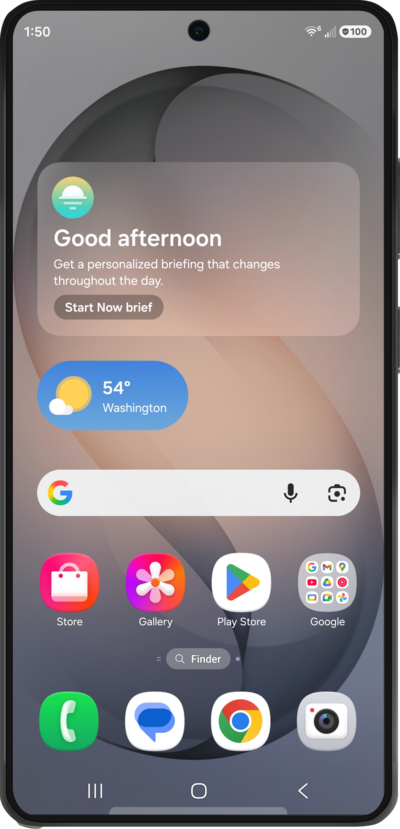
Learn how to turn off and on your caller ID so that you control when people can't see your phone number when you make outgoing calls.
1.
From the Phone app, tap the Menu icon.
2.
Tap Settings.
3.
Scroll to and tap Supplementary services.
4.
Tap Show your caller ID.
5.
Select your preferences.
6.
You've completed the steps!
