Setting up Voicemail
Galaxy Z Flip8
Setting up Voicemail
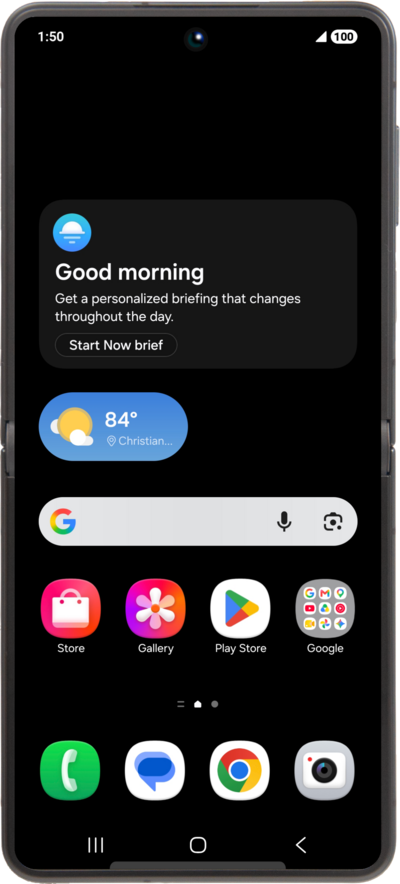
Learn how to set up Voicemail so that you can store messages from calls you missed. If your Voicemail Icon does not appear try restarting your phone.
1.
A method to set up your voicemail is from the Visual Voicemail app. To do so, navigate to your apps and tap Visual Voicemail.
Depending on your carrier, this app's name may vary, but the icon remains the same.
2.
Tap Set up Visual Voicemail.
If prompted, first grant the necessary permissions for the app to function.
3.
Another method to set up voicemail is by calling your voicemail inbox. To try this, open your Phone app, then tap Keypad.
4.
Touch and hold the 1 key until the call starts, and follow the spoken prompts.
You may also be able to dial your own phone number to call your voicemail.
5.
You've completed the steps!
