Save or share voicemails
Galaxy Z Flip8
Save or share voicemails
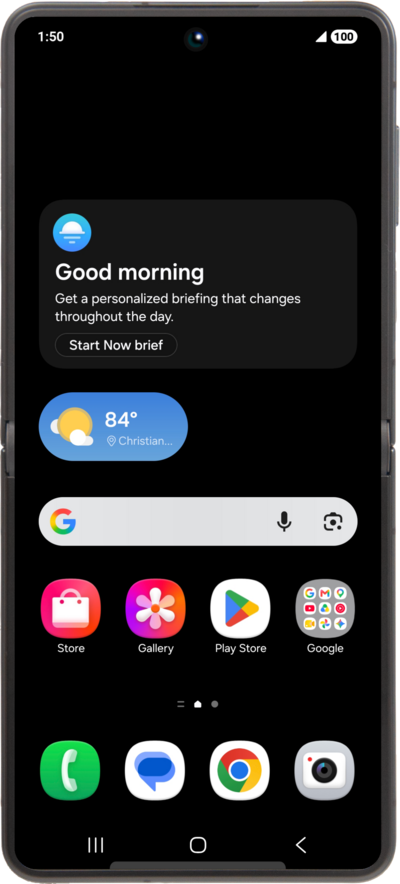
Learn how to save, share, and export important voicemails on your device with this step-by-step guide.
1.
From the Visual Voicemail app, touch and hold the voicemail you want to save.
2.
Tap Archive.
Archiving a voicemail will clear it from your voice mailbox and save the file locally to your phone.
3.
Tap Archive again.
You can view archived voicemails in the Archive tab of the Voicemail app, or access your downloaded file directly by navigating to My Files > Internal Storage > VisualVoicemail.
4.
To save and share voicemails without clearing them from your mailbox, select the voicemail you want to save.
5.
Tap the Share icon.
6.
Select a destination to share your voicemail file to.
Choose Drive as the destination to save the file to your Google account storage.
7.
You've completed the steps!
