Transfer your eSIM from iPhone (while setting up your device)
Pixel 6a
Transfer your eSIM from iPhone (while setting up your device)
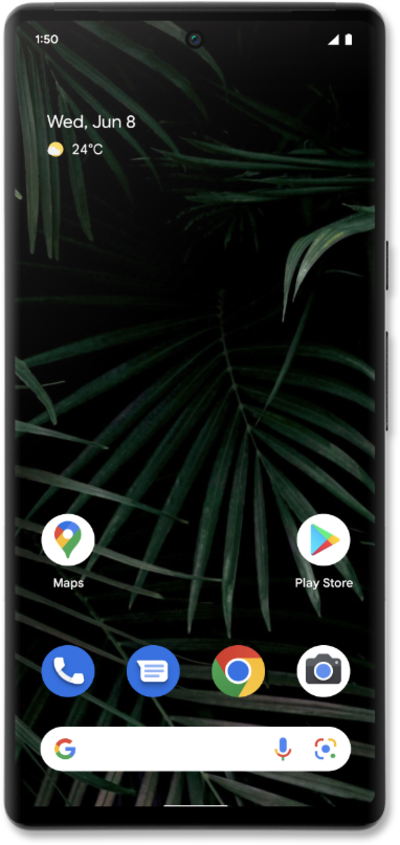
This tutorial guides you through the process of transferring your existing eSIM and phone number to a new device during its initial setup. Perfect for users switching phones or activating a new device, this step-by-step guide shows how to move your mobile service seamlessly as part of the setup flow.
1.
From the devices initial setup, after selecting a language; tap iPhone or iPad.
Make sure to enable a secure screen lock and are on the most recently released software version. On your other device follow the on-screen prompts to complete the SIM transfer.
2.
Tap OK.
3.
Scan the QR code to begin your iPhone transfer.
4.
Tap Next.
5.
Tap Done.
6.
Tap OK.
7.
Tap Done.
8.
Tap Next to confirm your transfered eSIM.
9.
Tap Skip.
On your other device follow the on-screen prompts to complete the SIM transfer.
10.
You've completed the steps!
