Transfer your eSIM from iPhone (device already set up)
Pixel 8
Transfer your eSIM from iPhone (device already set up)
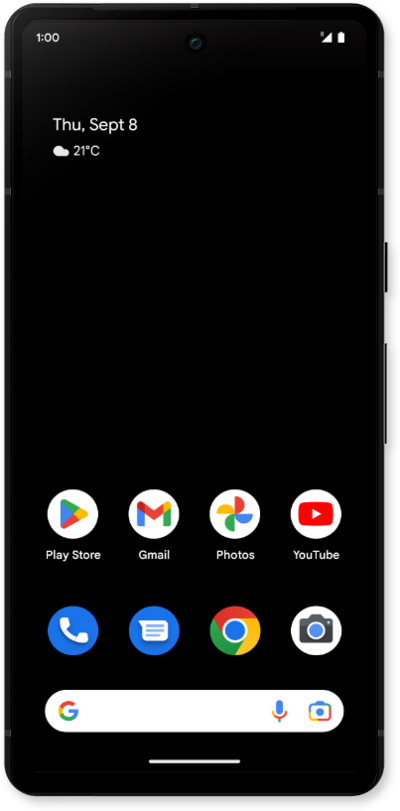
This tutorial explains how to transfer your existing eSIM and phone number from an old device to a new one after the initial setup is complete.
1.
From the Settings app, tap Network & internet.
2.
Tap SIMs.
3.
Tap Transfer a SIM from another device.
4.
Tap iPhone or iPad.
5.
On your other device, Scan the eSIM QR code.
Make sure to enable a secure screen lock and are on the most recently released software version.
6.
Once the SIM has been transferred, tap Done.
7.
You've completed the steps!
