Accessing Google Watch widgets
Pixel Watch 5
Accessing Google Watch widgets
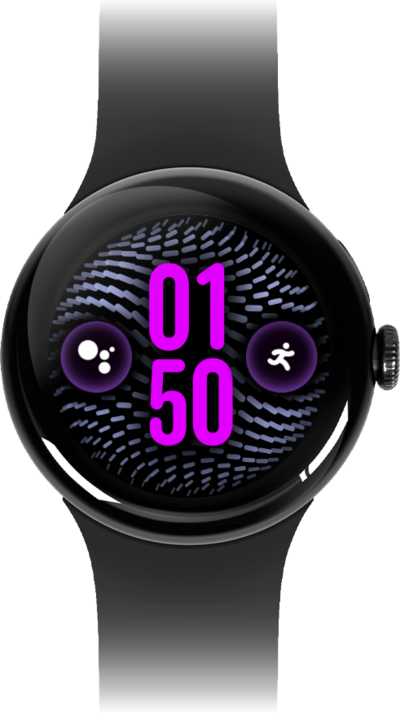
Learn how to access widgets on your device. Widgets offer a glimpse into an app, giving you the highlights of the data the app provides.
1.
From a watch face, swipe to the left or right.
From here you can swipe through all of your active widgets.
2.
You've completed the steps!
