Adding and removing widgets from your Pixel Watch
Pixel Watch 5
Adding and removing widgets from your Pixel Watch
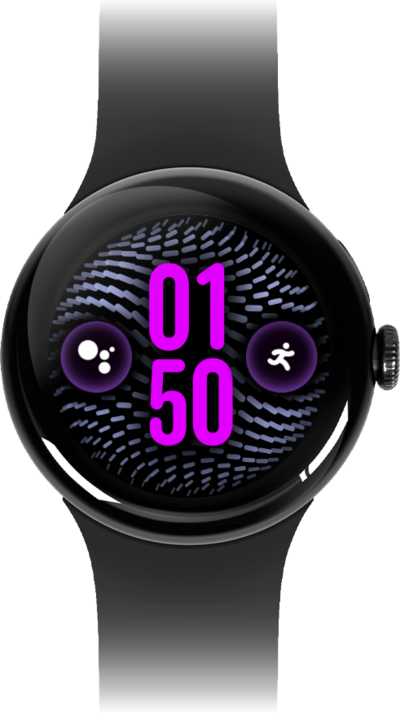
Discover how to add or remove widgets from your device. Widgets are available both as an interactive watch app and as a clock face on-device.
1.
From a watch face, swipe to the Quick Add panel.
2.
Tap the Plus icon.
From here you can select a widget to add to your watch.
3.
Select a widget.
4.
To remove the widget, press and hold it.
5.
Tap the Minus icon.
This doesn't delete the widget from your watch. You will still be able to add it again later without needing to redownload it, so long as its associated app is still installed.
6.
You've completed the steps!
