Deleting your family group in Google Play
Galaxy A12
Deleting your family group in Google Play
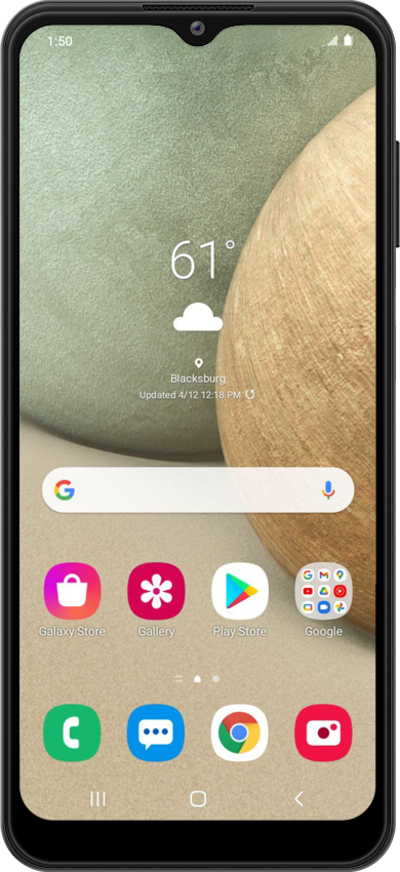
Deleting a family group from your account
1.
From the Play Store app main screen, tap the Account icon.
2.
Scroll to and tap Settings.
3.
Tap Family.
4.
Tap Manage family members.
5.
Select your Family manager.
6.
Tap Delete Family Group.
7.
Enter your account password and tap Next.
8.
Tap Go to Family Link.
Once the Family Link site or app has loaded, follow the on-screen prompts to delete the Family Group.
9.
You've completed the steps!
