Making phone calls and conference calls
Galaxy Z Flip8
Making phone calls and conference calls
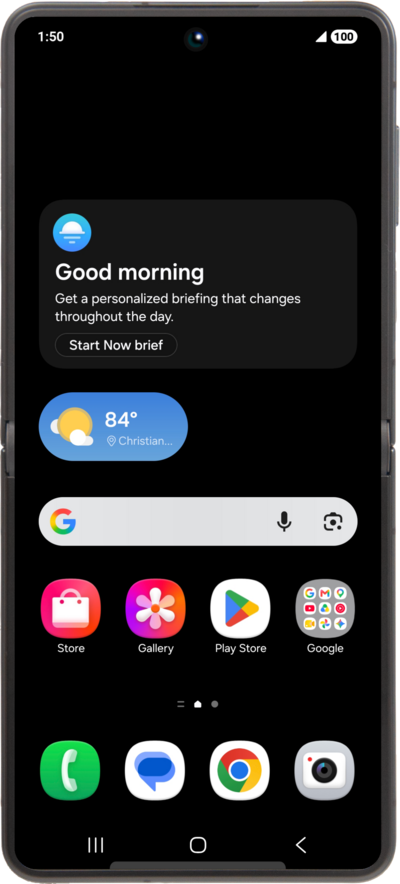
Find out how to make a call using your device. You can dial a new phone number or place a call to an existing contact.
1.
From the Phone app, tap Contacts.
2.
Locate and select a contact.
3.
Tap the Call icon.
4.
Once connected, tap Add call.
5.
Dial the number for the contact you would like to add to the confrence call.
You may also select the Recents or Contacts tabs to select a number or contact.
6.
Tap the Call icon.
7.
Once connected, tap Merge
To end the conference call tap the Hang up icon or to remove an individual from the conference tap drop on the right side of the screen from the persons name.
8.
You've completed the steps!
