Restoring your contacts
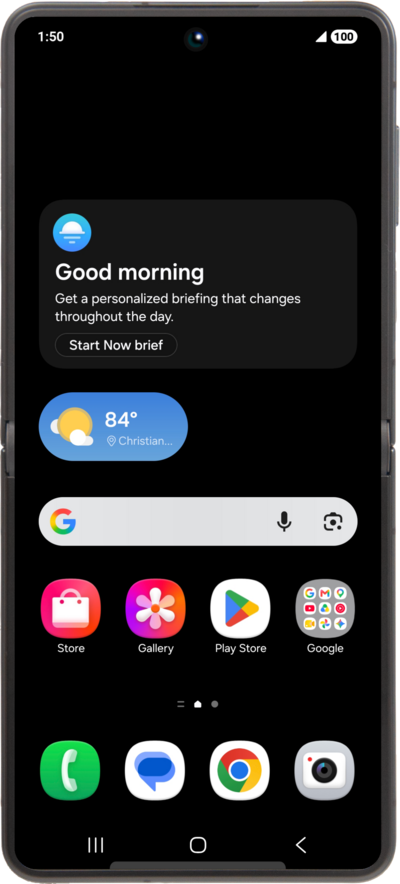
Galaxy Z Flip8
Restoring your contacts
Restoring contacts ensures you don't lose phone numbers, email addresses, and personal details when changing phones, recovering from lost or damaged devices, or undoing accidental deletions.
1.
From the Settings screen, tap Samsung account icon.
2.
Tap Samsung Cloud.
3.
Scroll to Restore from backups.
4.
Tap Restore from backups.
5.
Select device to restore from.
6.
Select the data you want to restore, then tap Restore.
7.
Tap Done.
8.
You've completed the steps!
