Signing in and out of your Apple ID
Signing in and out of your Apple ID
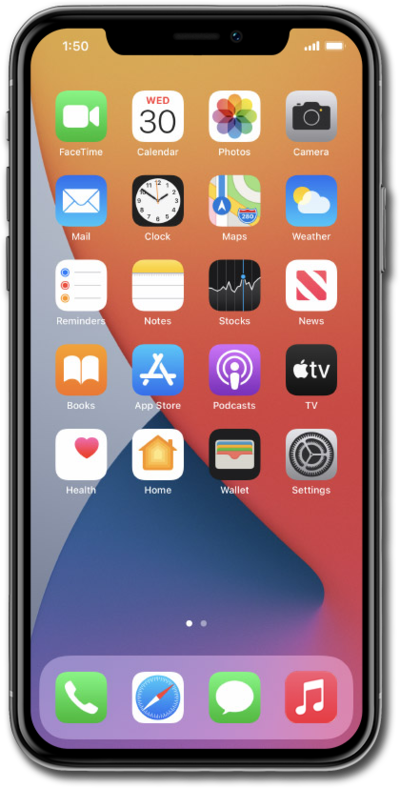
From within the Settings app, tap Apple Account.
Tap Sign in Manually.
If you already have an Apple ID, follow the steps to set up your account on this device. If you don't have an Apple ID yet, tap Don't have an Apple account? and if you are attempting to log into another device, tap Use Another Apple Device.
Enter your email address and tap Continue.
Enter your password and tap the Done icon.
You may be asked to input a code sent to another iOS device using the same Apple ID, as well as your iPhone's passcode if one has been set up.
To sign out of your Apple ID, select your profile.
Scroll to and tap Sign Out.
Tap Sign Out But Don't Erase.
For this tutorial, we're selecting to keep data on the device after signing out. If you are planning to give your iPhone to someone else, choose Erase this iPhone instead.
Tap Continue.
Tap Continue Anyway.
Any data from Freeform and Notes that is not synced with your iCloud will be lost. To keep this data, tap Learn How to Keep This Data and follow the instructions to sync your data before continuing.
Tap Continue.
Enter your password and tap Confirm and Sign Out.
You've completed the steps!
