Sharing your name and photo with your contacts automatically
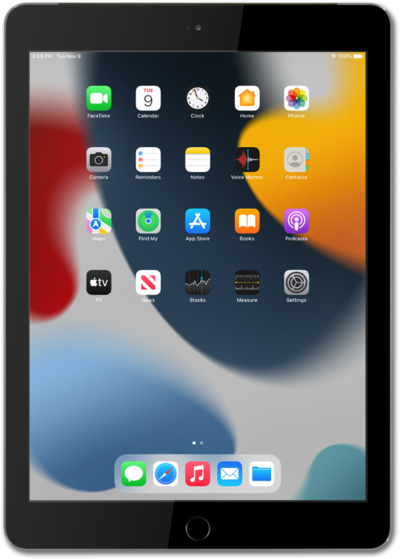
iPad (9th generation)
Sharing your name and photo with your contacts automatically
Explore how to set up your Messages profile. You can choose whether to share the name and photo on your iCloud account when sending messages.
1.
From the Contacts app, tap My Card.
You can edit your contact card within the Contacts app or the Settings app (Apple ID section).
2.
Tap Shared Name and Photo to adjust how your contact info is shared.
You can also tap Edit in the upper-right corner to add or remove details from your contact card.
3.
Scroll to the bottom of the screen to view and adjust your sharing settings.
From this screen, you can also customize the image that will be automatically shared to your contacts. To customize the background of your photo, select Poster.
4.
Choose your preferences, then tap the Checkmark icon to save.
5.
You've completed the steps!
