Deleting conversations
Galaxy S10+
Deleting conversations
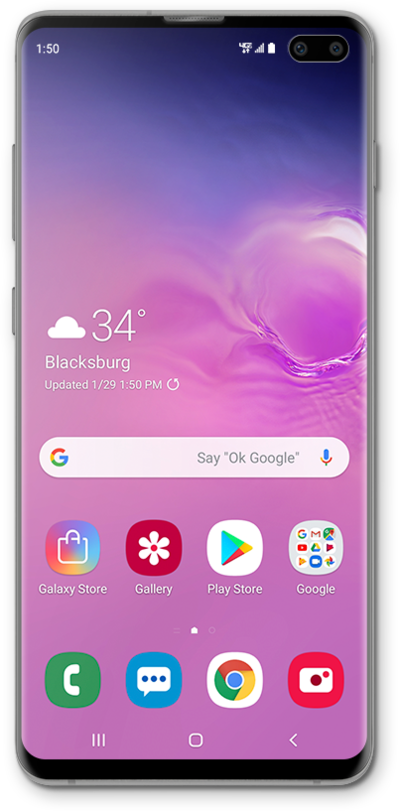
Learn how to remove a text from your device. Removing a text message from your device will not remove it from the device of your correspondents.
1.
From the Messaging app main screen, touch and hold a conversation.
2.
Tap Delete all.
3.
Tap Move to Trash.
4.
You've completed the steps!
