Using Bixby Vision
Galaxy S10+
Using Bixby Vision
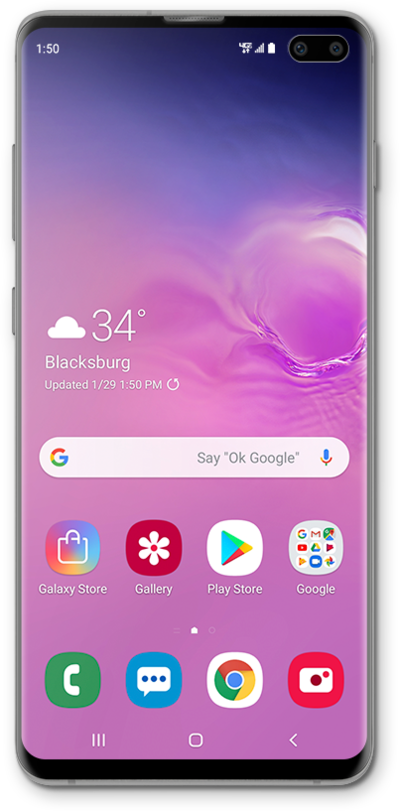
Using Bixby Vision, you can search the web by pointing your camera at an object. You will be able to click on a search option that will open with more details in the browser.
1.
From the Home Screen, tap Camera.
2.
Swipe to MORE.
3.
Tap BIXBY VISION.
If prompted, read any Terms of Service disclaimers and tap AGREE if you agree.
4.
Point your camera at an object you'd like to search with Bixby Vision.
In this tutorial, we are searching images with Bixby Vision, you can also search for product listings or translate text.
5.
Select a search option.
6.
You've completed the steps!
