Using Bixby Home
Galaxy S10+
Using Bixby Home
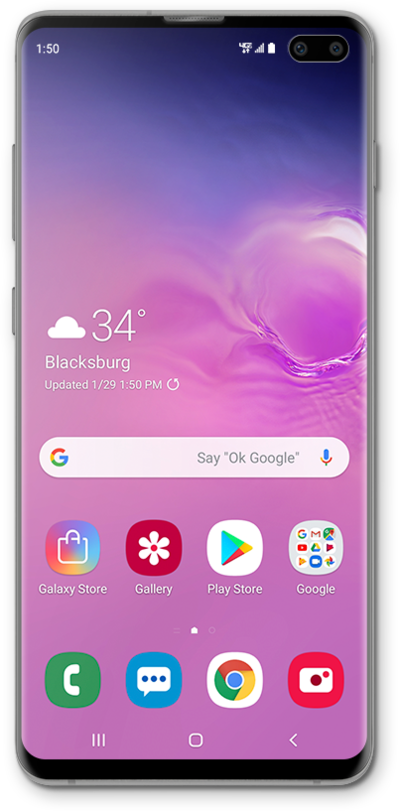
Set up your personal assistant Bixby to start using it. Bixby can pull information like weather and news onto your home screen and help you send text messages and start phone calls.
1.
From the Home screen, press and hold the Side key to access Bixby.
2.
Speak a command.
Within Bixby Home, you can find information about upcoming appointments, weather, and more.
3.
Tap the Back icon to return to the Home screen.
4.
You've completed the steps!
