Transfer your eSIM from iPhone (device already set up)
Transfer your eSIM from iPhone (device already set up)
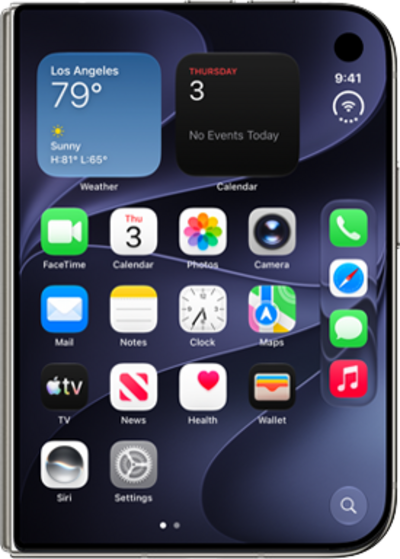
From the Settings app, tap Cellular.
Tap Set Up Cellular.
If you already have an eSIM active, this screen may vary. Look for the Add eSIM button below your current plan/plans.
Tap Other Options.
Tap Transfer From Nearby iPhone.
Make sure to enable a secure screen lock and are on the most recently released software version.
- Transfer from nearby iPhone: Use this if you're switching from another iPhone. Both devices will need to be nearby and connected to Wi-Fi. Your eSIM and number will transfer directly between devices.
- Transfer from Android: Use this if you're switching from an Android device.
Place your devices next to each other, then follow the on-screen prompts on both devices.
On your other device, enter the verification code displayed on your device.
Tap Transfer from iPhone.
Tap Transfer Number.
Follow the instructions on your other iPhone, then tap OK.
To confirm the transfer, you'll usually be prompted to double-press the Side or Home button of your old device. You may also need to enter your device passcode or other security info.
Tap Done.
You've completed the steps!
