Editing and unsending text messages
iPhone 8 Plus
Editing and unsending text messages
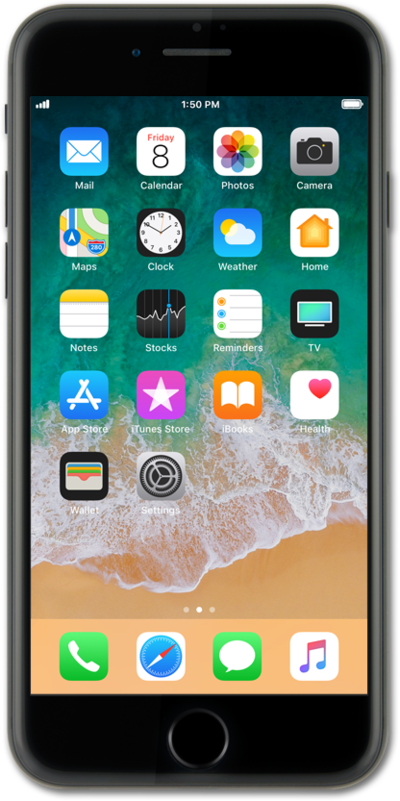
You can edit and unsend text messages within a short time frame after you've sent them.
1.
Touch and hold the newly sent message.
2.
To undo your message, tap Undo Send.
3.
To edit your sent message, tap Edit.
4.
Compose your message and tap the Send icon.
5.
You've completed the steps!
