Enabling Live Captions in FaceTime
iPhone 8 Plus
Enabling Live Captions in FaceTime
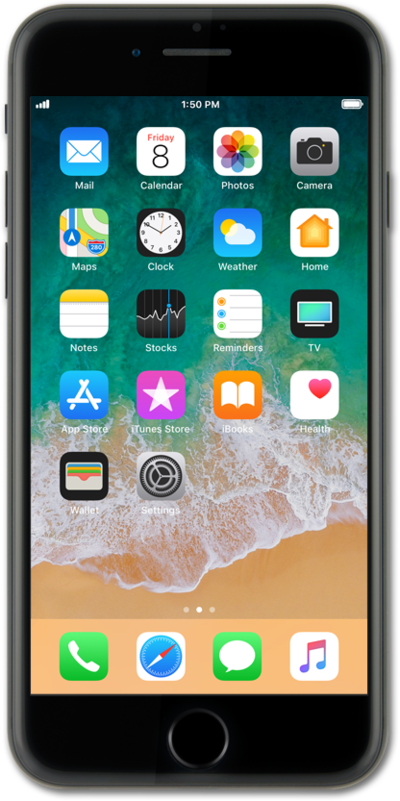
After Live Captions are enabled, your phone will present live on-screen captions during a FaceTime call. Follow along with this tutorial to enable Live Captions.
1.
From the Settings app, scroll to and tap FaceTime
2.
Scroll to Live Captions.
3.
Tap or swipe the Live Captions toggle on.
As a result this is what Live Captions will look like within a FaceTime call.
4.
You've completed the steps!
