Setting up Activity
Watch Series 4
Setting up Activity
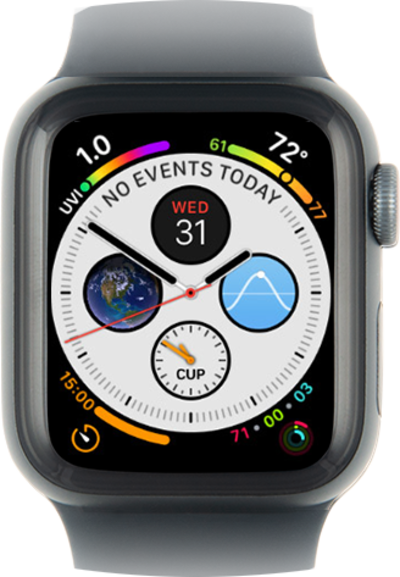
Set up your device's activity tracker. It can help you keep track of things like the number of steps you have taken in a day, calories you have burned, or exercise you've done throughout the day.
1.
From the apps screen, tap the Activity icon.
You can view your apps in a list view if you prefer.
2.
Swipe left to right to view descriptions of each ring type until you reach the end.
3.
Tap Get Started.
4.
Scroll to Continue.
From this screen, select any item to update your information.
5.
Tap Continue.
6.
Select how active you are.
7.
Tap Start Moving.
Tap the Increase or Decrease icons if you'd like to adjust your daily Move goal.
8.
You've completed the steps!
