Charging iPhone
iPhone 7 Plus
Charging iPhone
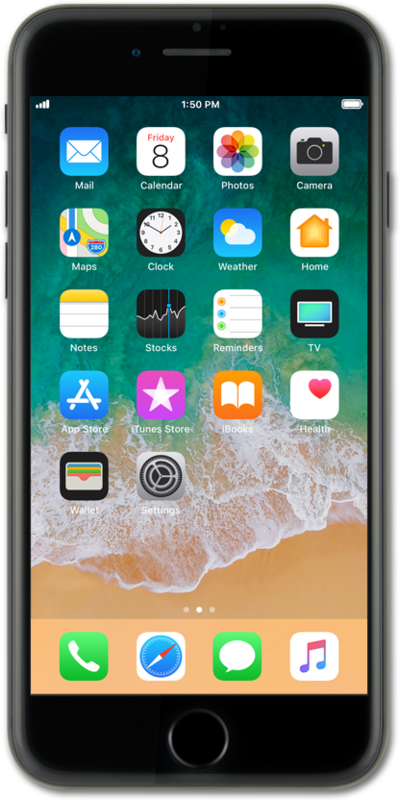
Familiarize yourself with the process of charging your device with a cable by reviewing this Interactive Tutorial. Inspect your charging cable for any signs of damage before attempting to charge your device.
1.
Locate the Lightning port on the bottom of iPhone.
This model of iPhone is also capable of wireless charging.
2.
Insert the Lightning cable into iPhone.
3.
When iPhone is finished charging, remove the Lightning cable.
4.
You've completed the steps!
