Attaching a file to a text
moto g stylus
Attaching a file to a text
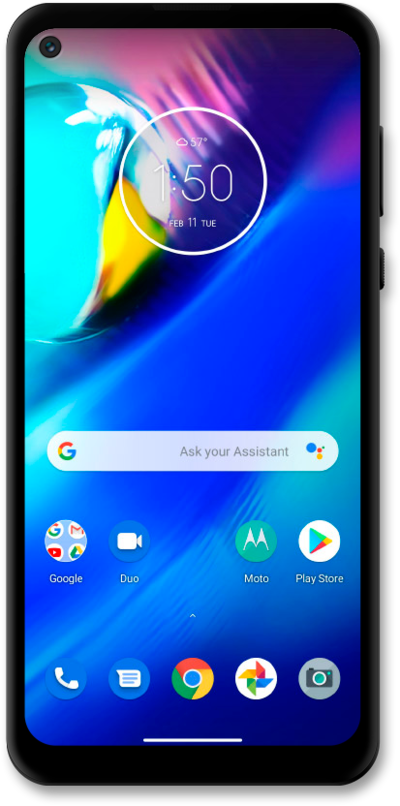
By adding a file, such as a photo or video, you will turn your SMS message into a MMS message (multimedia text message). You can send a multimedia text message to an individual or a group.
1.
From a composed message, tap the Camera icon.
2.
Tap Gallery.
3.
Select an image.
4.
Swipe from the left or right edge of the screen to go back.
5.
When you're finished, tap the MMS icon.
6.
You've completed the steps!
